
KubeForenSys documentation
Welcome to the KubeForenSys documentation, created by Invictus Incident Response. KubeForenSys is a tool developed to address the challenge of fragmented data sources in Kubernetes-based cloud environments. It leverages the Kubernetes API, as exposed by the API server in the control plane, to fetch logs and capture the current state of the cluster. It can also create the necessary infrastructure for log ingestion, such as Data Collection Endpoints and Data Collection Rules in Azure. The mentioned data is then pushed to a Log Analytics workspace, where KQL can be used to search the data and gain insight into a potential compromise. KubeForenSys is intended to operate on a best-effort basis, meaning that it can only capture data that is still available. For example, if a container is stopped and destroyed before logs are collected, that data is lost. Ideally, tools like Container Insights in AKS are used to continuously capture logs and provide broader visibility. However, KubeForenSys complements these tools by contributing additional data, such as active cron jobs.
See KubeForenSys in action:
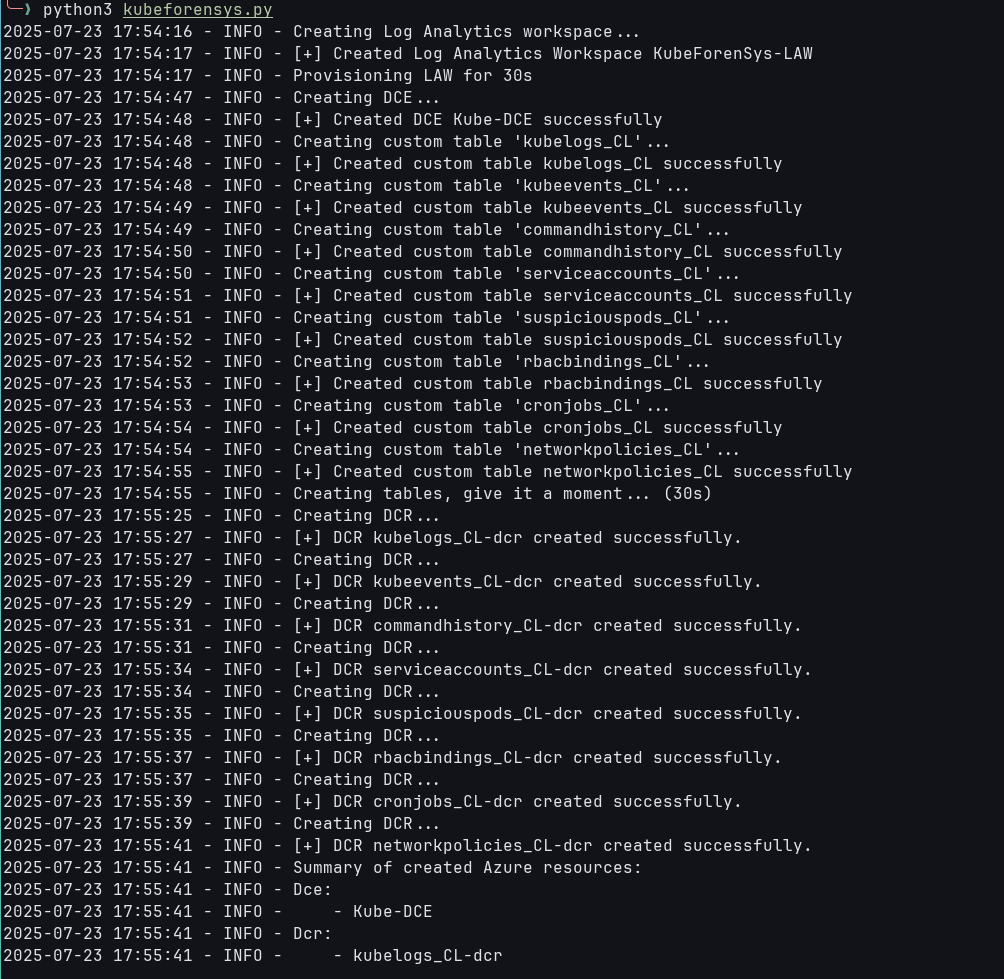
Creation of the required infrastructure in Azure
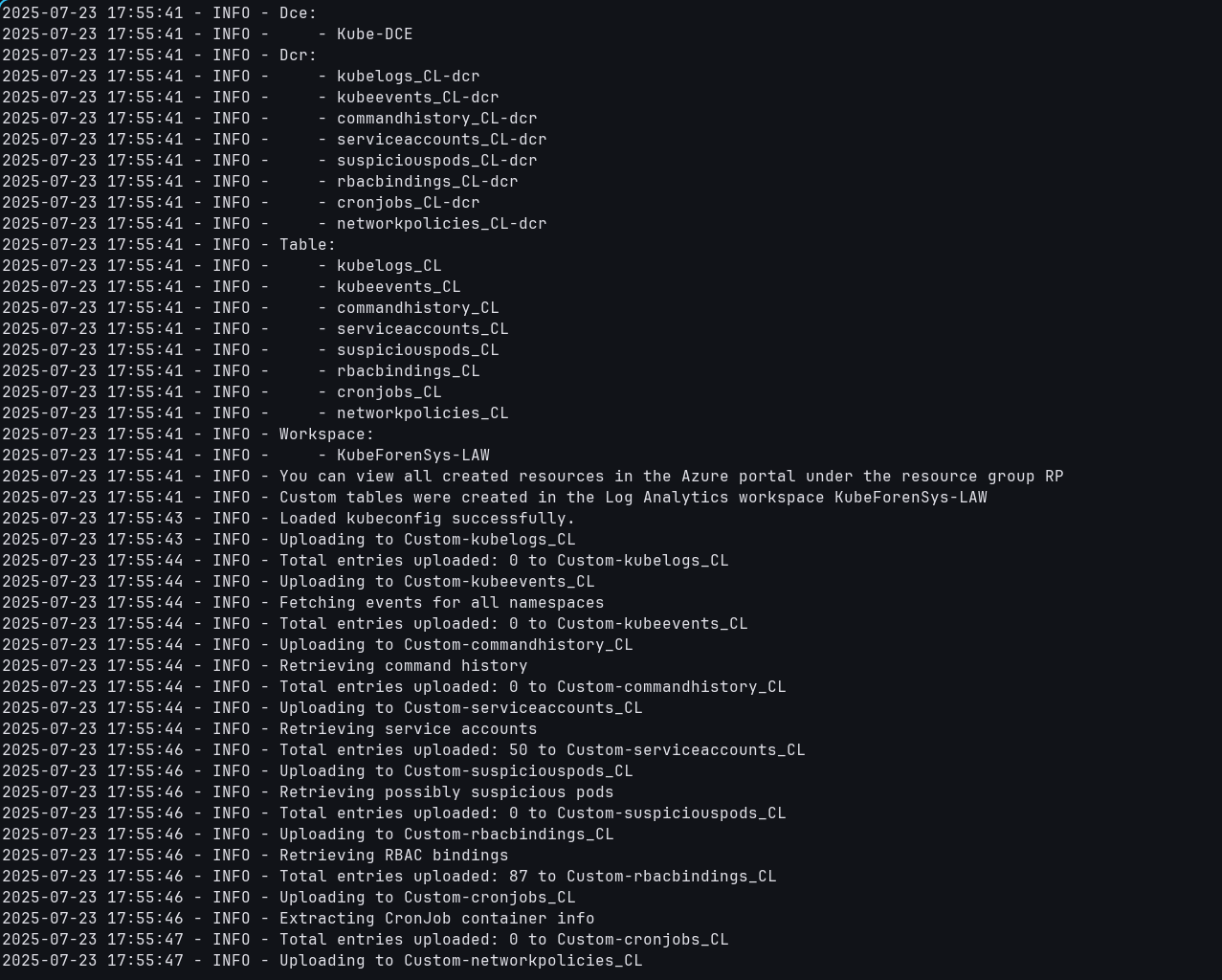
Pushing Kubernetes logs and cluster data to the Azure infrastructure
Fetched data
Currently, the following data is supported:
Source |
Description |
|---|---|
Container logs |
Logs which are produced by containers. |
Cluster events |
Kubernetes events log whenever the state of the cluster changes, such as a new pod being created/destroyed. |
Container command history |
Commands which are logged in /root/.ash_history or /root/.bash_history. |
Service Accounts |
Service accounts which live in a certain namespace in the cluster. |
Suspicious Pods |
Pods which may be seen as suspicious, either through having joined the host network, being privileged or having mounted a writable volume from the host. |
RBAC bindings |
Role Based Access Control bindings show which users can do what through a role. |
Cronjobs |
Get the currently active cronjobs existing in the cluster. |
Network Policies |
Get Network Policies active in the cluster. |
Also see How it works to learn more about how it works and why or Installation to view how to install the tool.